Counsel of Record
What to ask for.
Ask the sender for the complete .evidencebundle folder.
If they need to send one file, they should ZIP the whole folder.
The MP4 alone is not a complete evidence package.
Reviewers can check hashes, signatures, audit records, timestamp tokens, and the signed bundle seal — without buying the recorder or sending confidential recordings to a server.
Ask the sender for the complete .evidencebundle folder.
If they need to send one file, they should ZIP the whole folder.
The MP4 alone is not a complete evidence package.
Use the free Case Ledger Verifier app and choose Open Evidence Bundle. The verifier walks every required check.
Verified means required hashes, signatures, identity, audit, inventory, and content-seal checks all passed.
If a required check fails, treat the bundle as changed or incomplete unless the sender can provide a clean copy.
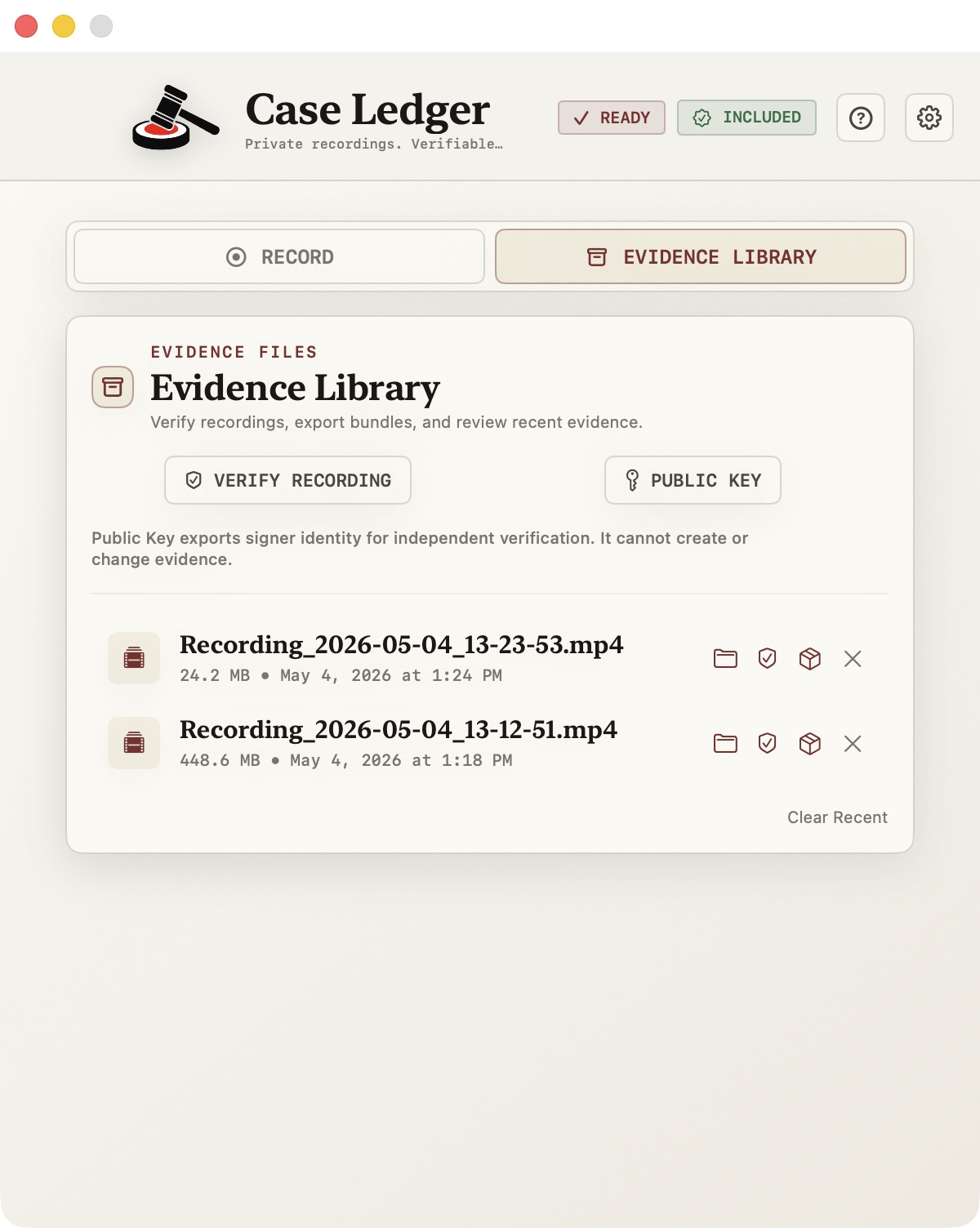
Every recording in your Evidence Library can be verified, exported as a bundle, or have its public key viewed — without uploading anything. Verification runs locally against the manifest, signature, audit chain, and file lock.
Use the CLI locally or in an intake workflow. JSON output makes it easy to drop into existing review pipelines.
# Standard human-readable output
caseledger-verify /path/to/Recording.evidencebundle

# JSON output for automation
caseledger-verify --json /path/to/Recording.evidencebundle
Verification proves the files in the bundle match the signed local evidence package and have not changed since signing. It does not prove that the screen content itself is true, complete, or admissible. Case Ledger does not guarantee admissibility.
Verification runs locally. The verifier does not upload the recording, manifest, audit log, or evidence metadata.